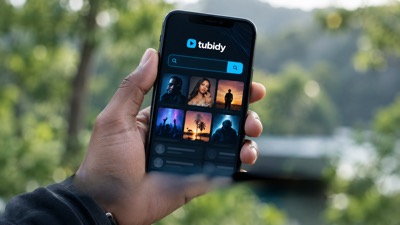


Do you need the Tubidy app?
- No: search and download work in your phone's browser.
- Many apps use the Tubidy name; check the publisher before installing one.
- Never install an APK from an advert or an unknown website.
- Add the website to your home screen for app-like access.
This guide explains browser access to this site. It does not review or endorse apps from other publishers.
On this page6 sections
Search Tubidy for songs, artists or music videos
Do You Need an App?
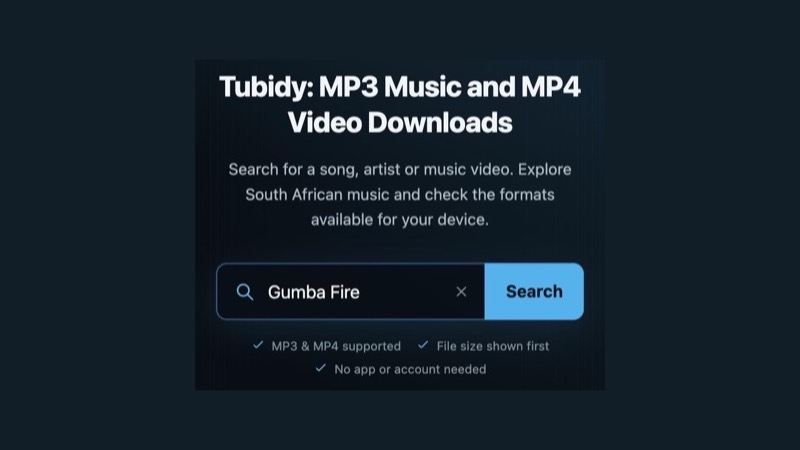
No. Tubidy works in Chrome, Samsung Internet, Safari and other current browsers. Searching and choosing a format do not need an account, and files are saved by your browser like any other download.
Check the Publisher
App stores list several apps that use the Tubidy name, and adverts on download sites may promote apps too. Before installing any app:
- Read the developer or publisher name on the store page and check whether it matches the site you use.
- Look at the permissions the app asks for; a music app should not need your contacts or SMS.
- Install only from the official app store on your phone, not from an APK file on a website or in an advert.
- If you are unsure, use the website in your browser instead.
This site's own app status has not been confirmed, so we do not link to any app here.
Use the Mobile Website
The website gives you the same search, song page and format table on your phone. To open it like an app, add it to your home screen: in Chrome, tap the menu and choose Add to Home screen; in Safari, tap Share and choose Add to Home Screen.
The mobile download guide shows where files are saved on Android and iPhone.
Installation and Safety Questions
If an advert asks you to install something to download a song, close it: MP3 and MP4 files play in the music and video apps already on your phone. The safety guide explains how to spot misleading buttons.
Tubidy App Questions
Is there a Tubidy MP3 download app?
Several apps use the Tubidy name, from different publishers. This site works fully in your browser, so you do not need an app to search or save MP3 files.
Where can I get a Tubidy app download?
We do not link to any app, because this site's own app status has not been confirmed. If you install an app, use your phone's official app store and check the publisher first. Never install an APK from a website or an advert.
How to download the Tubidy app to my home screen?
You can add the website to your home screen instead: in Chrome, open the menu and choose Add to Home screen; in Safari, tap Share and choose Add to Home Screen.