






Tubidy guides explain how the site works in practice: how to search for a song, how to choose between the formats on a song page, where your browser saves the file and what to do when something does not work. Each guide follows the steps on the live site and links to the related guides when you need more detail.
Search and download
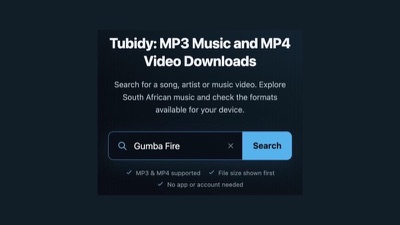
Start with the download guide. It walks through searching by artist and song title, comparing results by title and duration, tapping Download and choosing a format. The same steps work on phones, tablets and computers, and they do not need an app or an account.
Formats and data usage
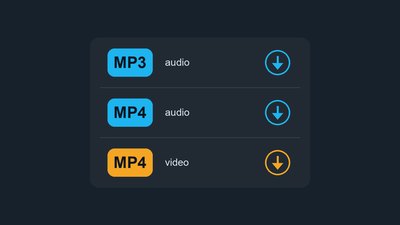
Tubidy offers MP3 audio, MP4 audio and MP4 video. MP3 audio is sound only, and MP4 video includes the picture, so it is usually the larger file. Compare them in the MP3 vs MP4 guide, and save music videos for Wi-Fi if you are on a limited data bundle.
Phones and saved files
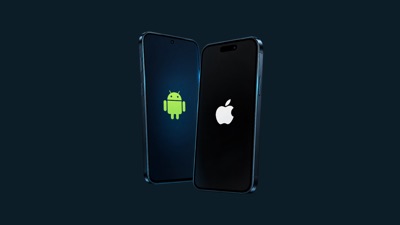
On Android, downloads usually go to the Downloads folder; on iPhone, Safari saves them to the Files app. The mobile download guide shows where to look on each device and how to keep storage under control.
When something does not work
If a search returns nothing, a download does not start or the site does not load, the troubleshooting guide lists the fixes in order, from the quickest to the more technical ones.
Responsible use
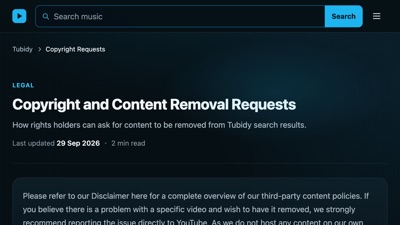
Copyright rules differ between countries. Keep downloads for personal listening, and read the Terms and copyright information before using content in other ways. The free music guide explains licences such as Creative Commons for music you want to reuse.